Getting Started with TrySpace Lab
A short quick-start to get a up and running with TrySpace Lab.
Walkthrough
Note that the speed at which you can install is subject to your internet connection and the performance of your computer. Gigabytes of data are required to be downloaded during this process.
- Ensure Docker, Docker Compose (v2+), Git, and Make are installed (see Installation).
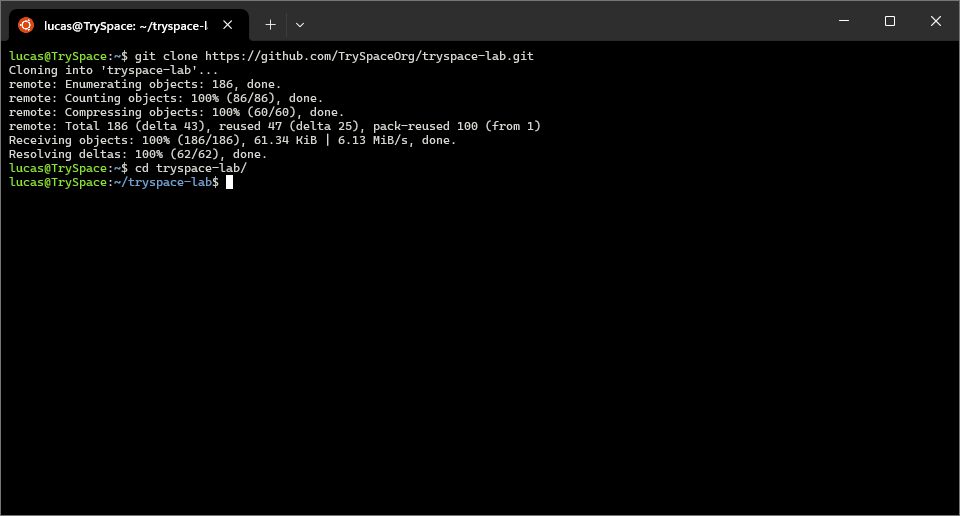
- Clone the repository to your computer:
git clone https://github.com/TrySpaceOrg/tryspace-lab.git
cd tryspace-lab
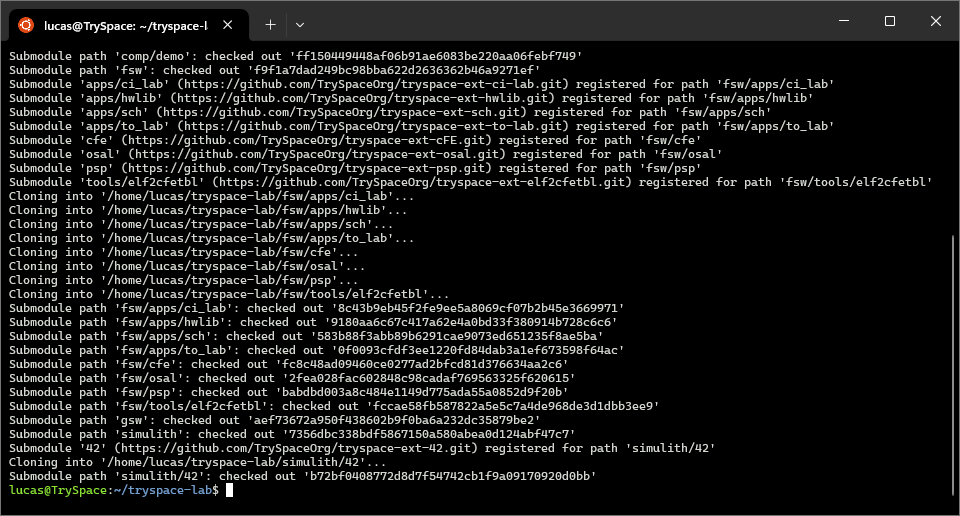
- Download and initialize the submodules:
git submodule update --init --recursive
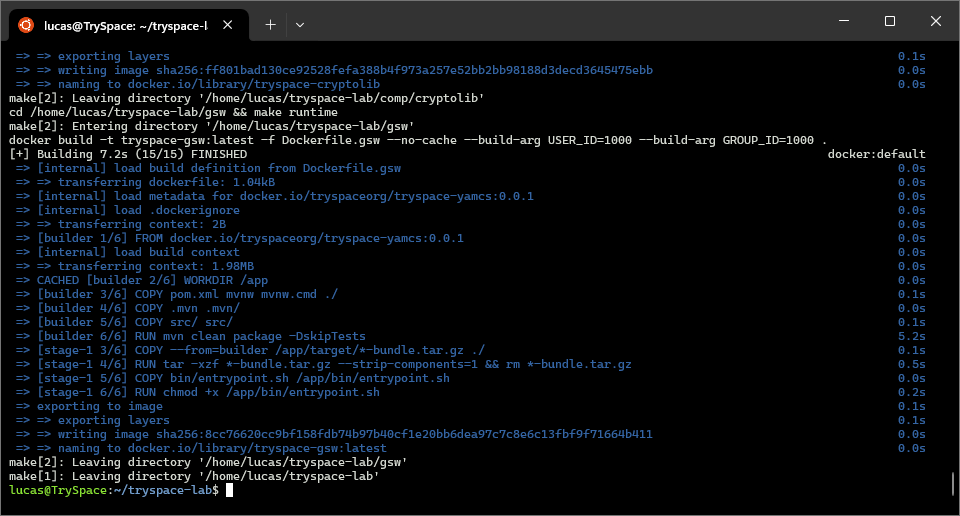
- Prepare environment and build:
make
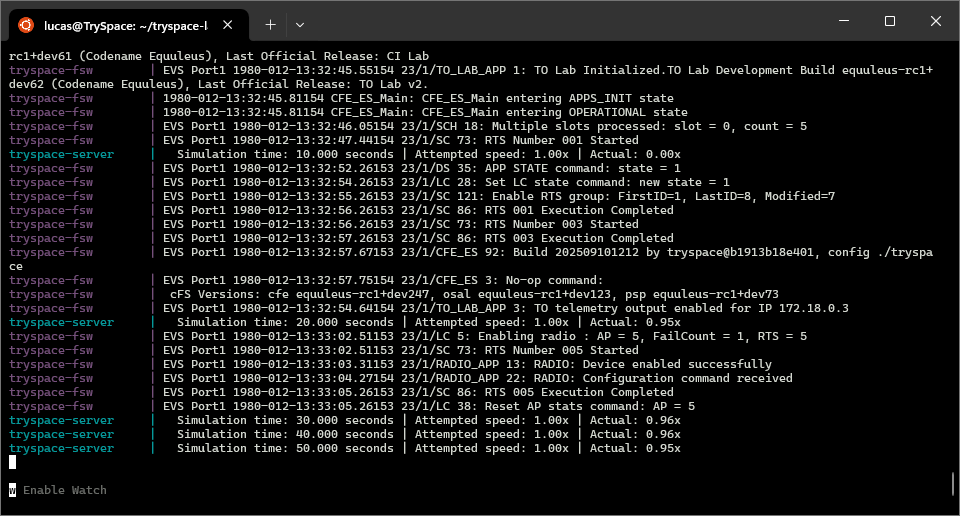
- Start the lab:
make start
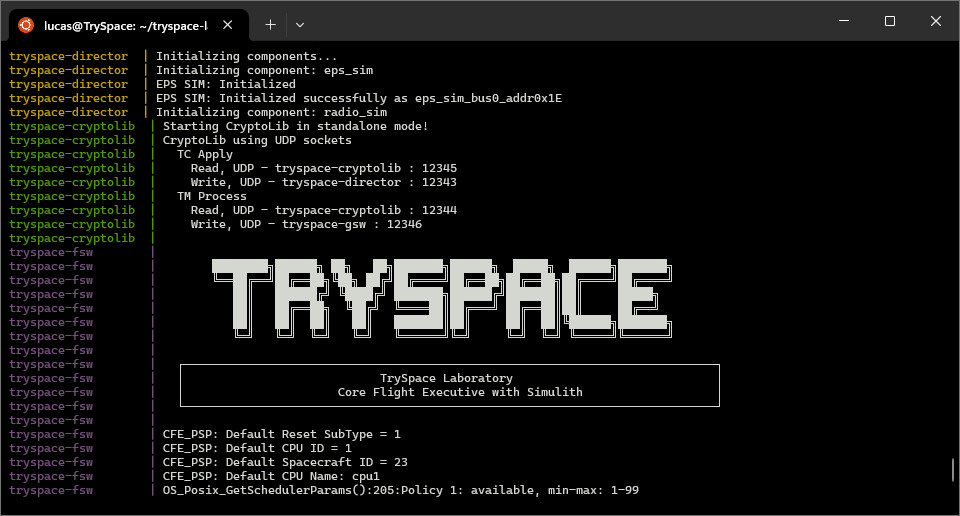
The various services will take a few seconds to stabilize and flight software to finish it's initialization.
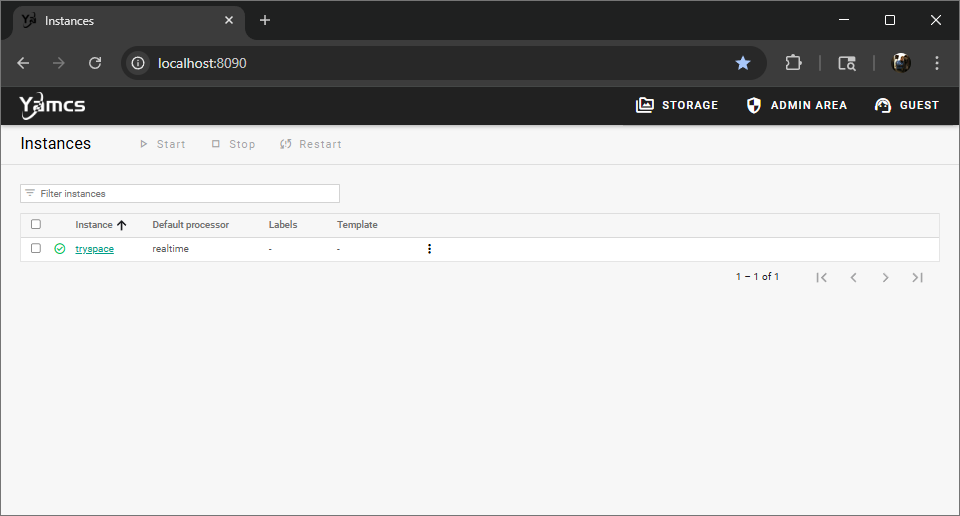
- Access GSW (YAMCS): http://localhost:8090
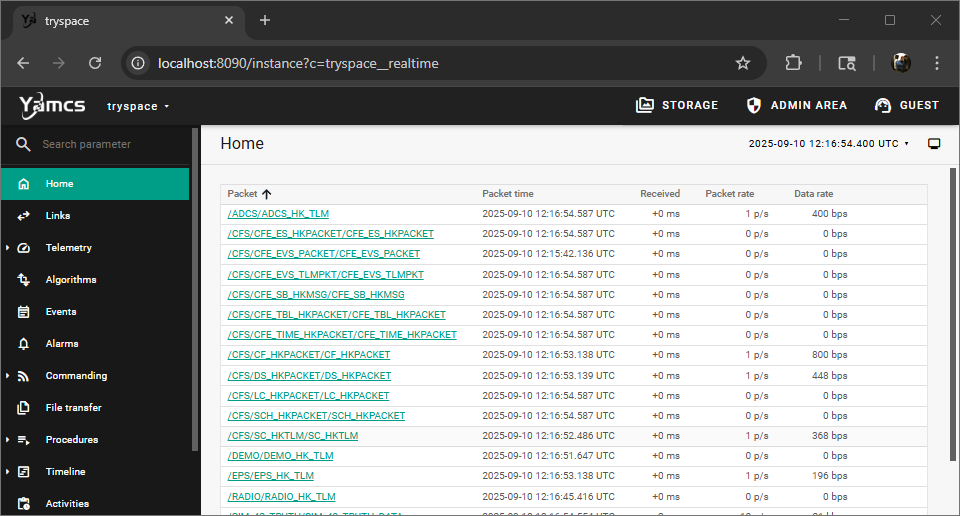
- You'll be able to send commands, view the current links, etc. in YAMCS so poke around!
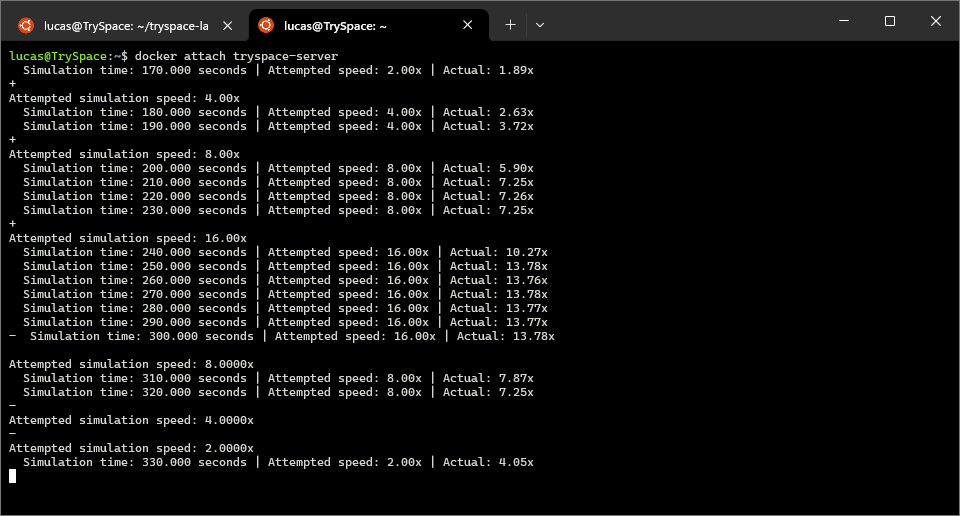
- Attach to consoles in a new tab:
docker attach tryspace-server
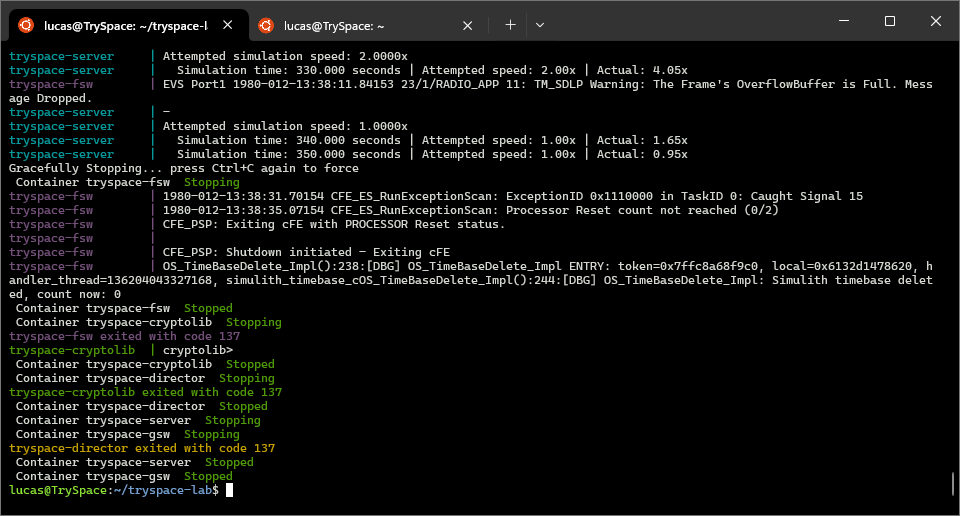
- Stop (preserves data): CTRL+C in primary console
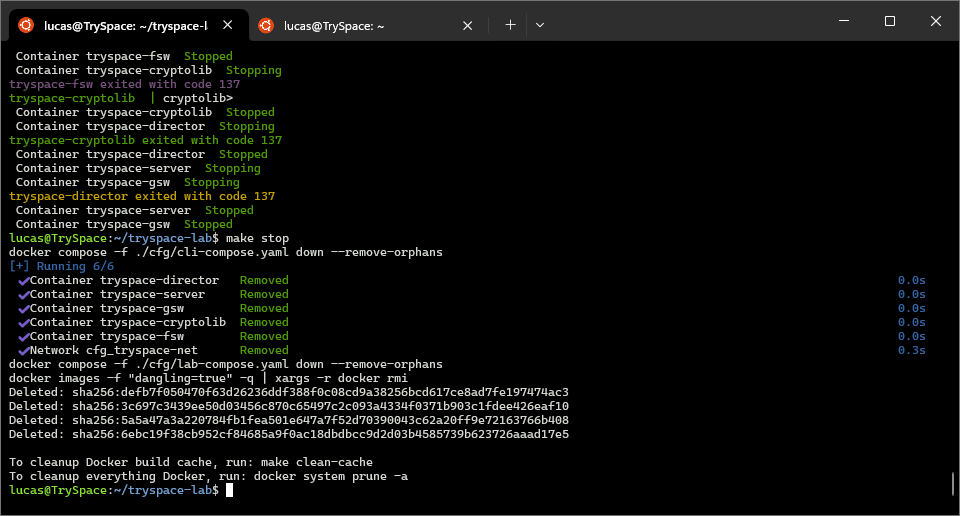
- If you did CTRL+C twice to stop quickly, you may need to
make stopprior to running again.
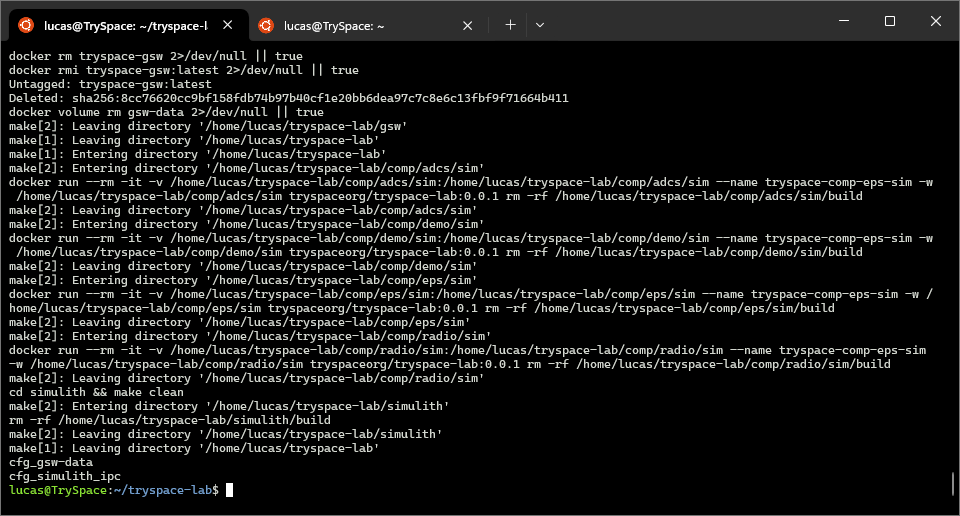
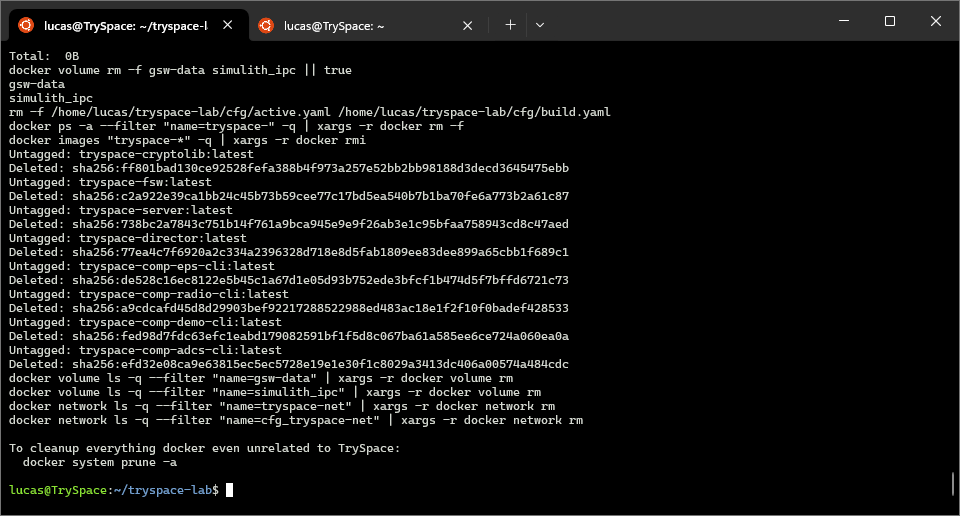
- Clean (removes data):
make clean
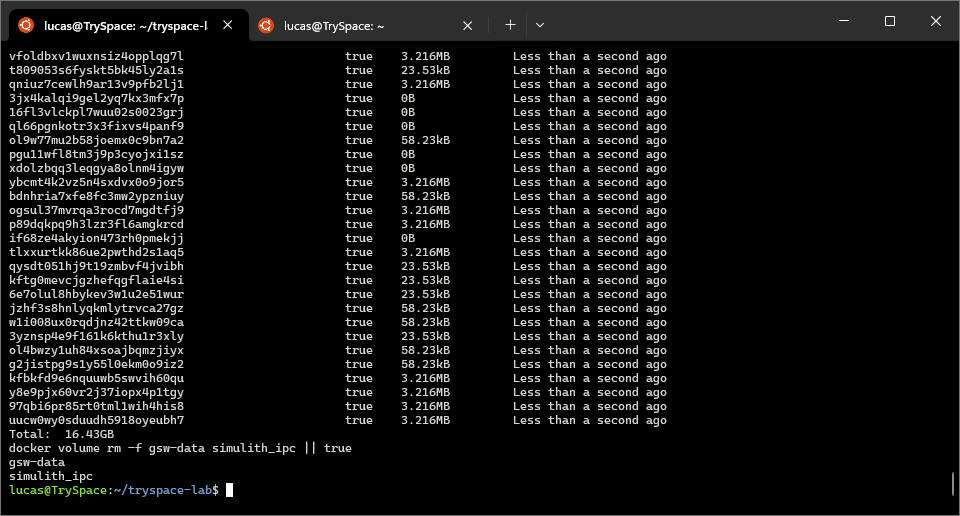
- Looking to reclaim some data?
make clean-cache
- Want to uninstall?
make uninstall
Have trouble with any of the above? Checkout the Frequently Asked Questions.